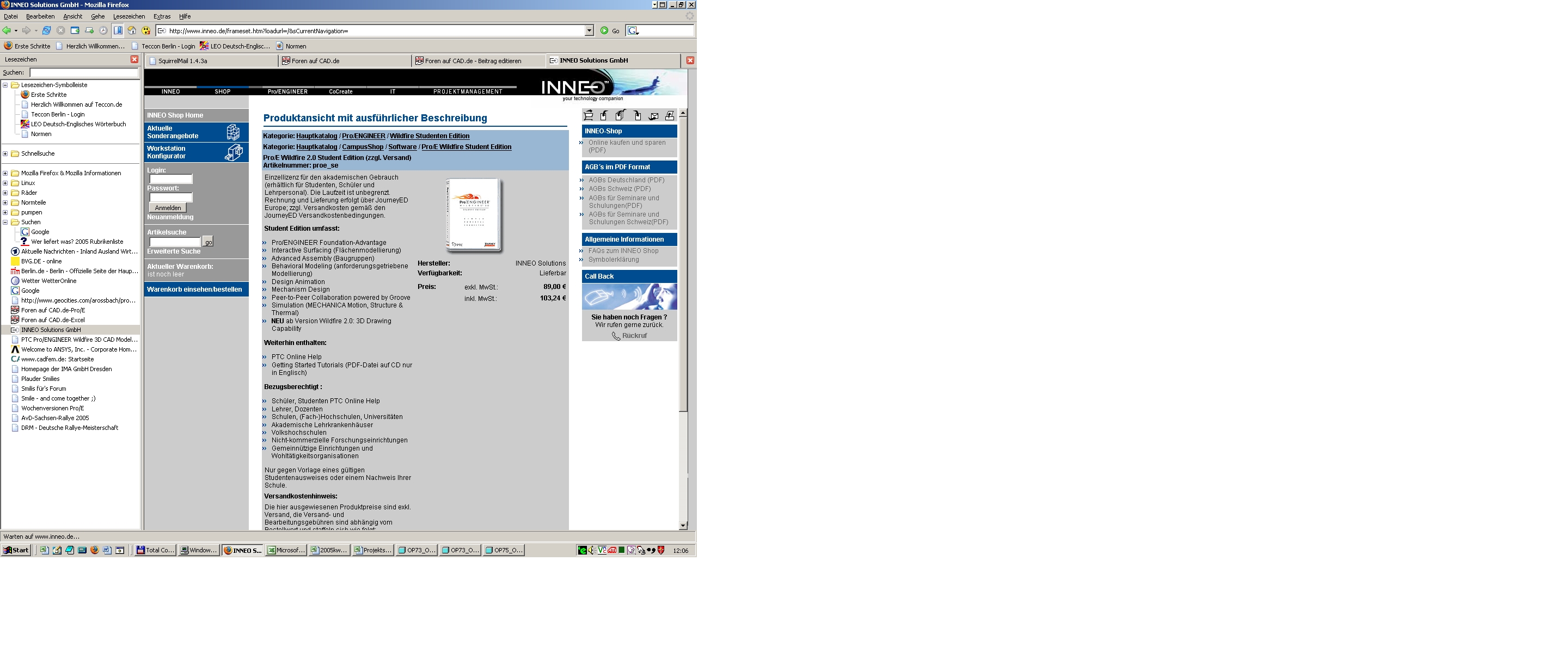
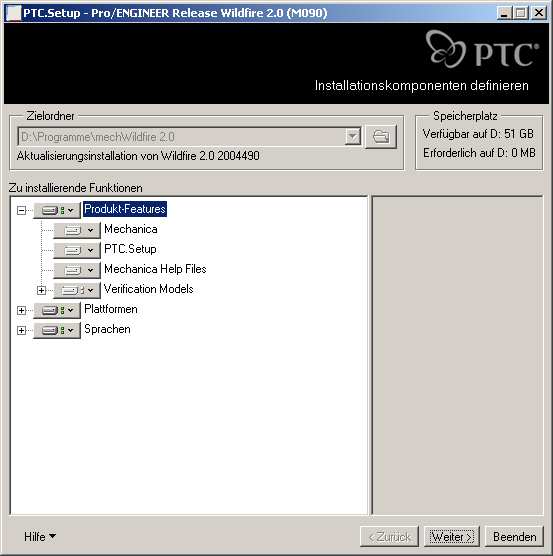
Hallo Leute
Leider klappt das nicht. Bei mir auf \bin ist die ptcsetup.bat nicht zu finden. Auf CDs die ich habe (2 Stück) habe ich ein setup.exe gefunden und diesen ausführen lassen. Zwar ist jetzt alles drauf, aber die mechanica ist nicht zu finden...
Hier sind meine Versioninfos:
ProEngineer
Release: Wildfire 2.0
Date Code: F000
Service Contract Number: StudentEdition
Hier kopiere ich noch mein "Technical Support Info" (unter "Help" zu finden)
FILE: support.inf.1
TIME: 08-Jun-05 11:28:53
==================================================
License Information
==================================================
Service Contract Number: StudentEdition
Release: Wildfire 2.0
Pro/ENGINEER Date Code: F000
License Name: PROE_StudentEdition
License Version: 25.0
License Type: Student version, Node-Locked License
Server Name: NONE
License file search path: C:\Programme\ProENGINEER Student Edition\text\licensing\aaa_licence_proE.txt
==================================================
Configured Option Modules
==================================================
The following Pro/ENGINEER options are installed:
(Note: license extensions are marked with a '*')
Behavioral_Modeler Pro/FEATURE Pro/REPORT
Collaboration Pro/INTERFACE Pro/SCAN_TOOLS
Design_Animation Pro/INTF_for_STEP Pro/SHEETMTL-DES
Interactive_Surface_Design Pro/LEGACY Pro/STANDALONE
Mechanism_Design Pro/LIBRARYACCESS Pro/SURFACE
Mechanism_Dynamics Pro/MESH Pro/Student
ModelCHECK Pro/NOTEBOOK Pro/WELDING
Pro/ASSEMBLY Pro/PHOTORENDER Pro/Web.Publish
Pro/DETAIL Pro/PLOT
Pro/ECAD Pro/PROCESS_ASM
==================================================
Machine Information
==================================================
Host Name: IDV1677
User Name: Or
Host ID: 00-0F-20-94-3F-C2
Pro/ENGINEER Machine Type: I486_NT
Pro/ENGINEER Graphics Type: OPENGL
OS Name: Windows NT
OS Release: 5.0
OS Version: 2195
Hardware Type: x86 Family 6 Model 9 Stepping 5 GenuineIntel 1594 MHz
==================================================
Installation Directories and Command Information
==================================================
Directories:
Pro/ENGINEER Installation Directory: C:\Programme\ProENGINEER Student Edition\
Pro/ENGINEER Startup Directory: C:\Dokumente und Einstellungen\Or\Eigene Dateien\
Pro/APPLICATION MANAGER Directory: Not Available
Pro/INTRALINK Directory: Not Available
Commands:
Pro/ENGINEER Start-up Command: C:\Programme\ProENGINEER Student Edition\bin\proe.exe
==================================================
Configuration Information
==================================================
Configuration files read:
C:\Programme\ProENGINEER Student Edition\text\menu_def.pro
Pro/HELP Search Path: C:\Programme\ProENGINEER Student Edition
==================================================
Auxiliary application Information
==================================================
No auxiliary applications loaded.
Installation support is available for free. Technical Support is available
for a fee. In the United States, call 800-874-9001 to receive your
Tech Support Number for the free installation support or for further information.
You will be given a non-toll free number to dial for all support.
For end-users outside of the United States, go to www.ProEStudent.com
for installation and tech support contacts.
Eine Antwort auf diesen Beitrag verfassen (mit Zitat/Zitat des Beitrags) IP

 Foren auf CAD.de (alle Foren)


 |
| 


 Gruß Armin